

Manage your school's resources with ease
Centralise resource management with Clipboard, enabling seamless tracking of rentals and maintenance for physical and digital assets across all departments—all in one flexible management system.

Your Current System Is Holding You Back
Spreadsheets can't track rentals or send reminders. Paper logs create audit gaps. Siloed legacy software forces each department to manage resources separately. The result? Hours spent chasing overdue equipment, zero visibility into costs, and constant frustration. There is a better way.
Track Every Asset Your Way
Store, manage and track the movement of all instruments, sheet music, and sport equipment in a single location. Custom fields for composers, genres, instrument families, locker locations, uniforms and anything you can think of. See availability status at a glance.

Find Any Asset in Seconds
Search across every single field—not just titles. Type "Bach" and find all sheet music by that composer. Search "Team A" to see all equipment assigned to that squad. Instant answers for whenever you need them
Never Lose Track of Who Has What
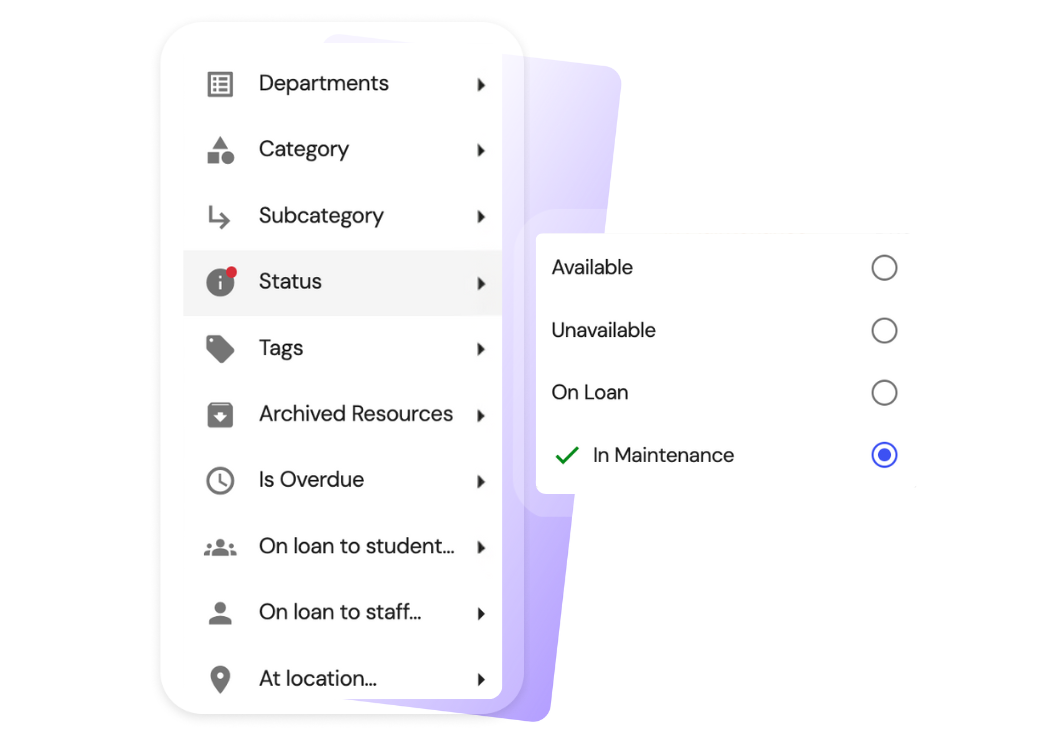
Effortlessly create and monitor maintenance tasks for resources in your inventory. As Clipboard is designed for people on the go, you can create an inventory maintenance log from your mobile, on your way to your next music lesson or sport fixture.

Complete Service History for Every Instrument
Log repairs, costs, dates, and photos. Know when to repair vs. replace. Make informed decisions about repairs vs. replacement based on actual data, and justify your budget with confidence.

See What Matters to You
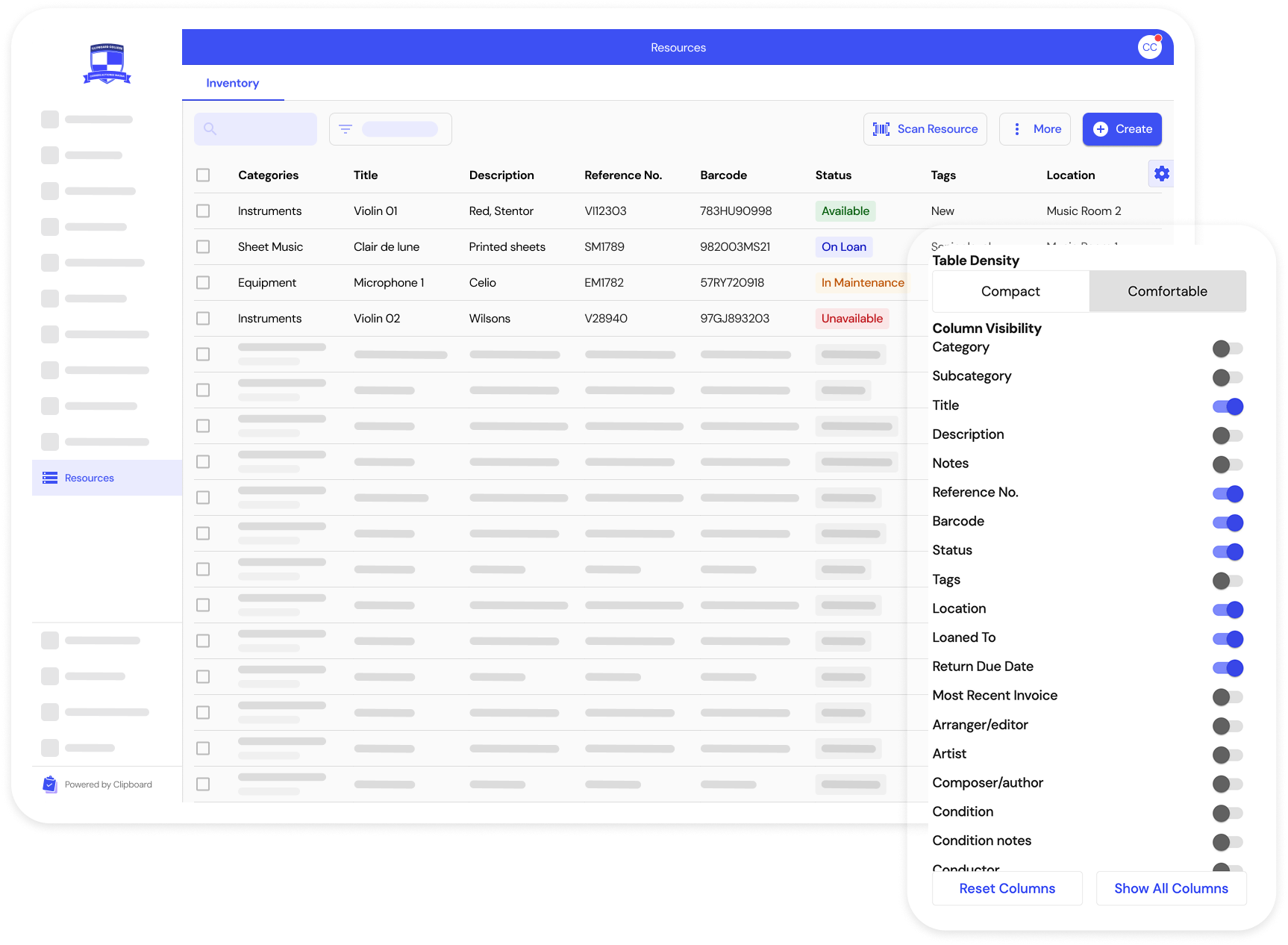
Drag and drop columns to reorder them. Filter by Instrument. Show grades, rental status, or maintenance costs. Create the perfect view for your workflow.
Never Lose Rental Revenue
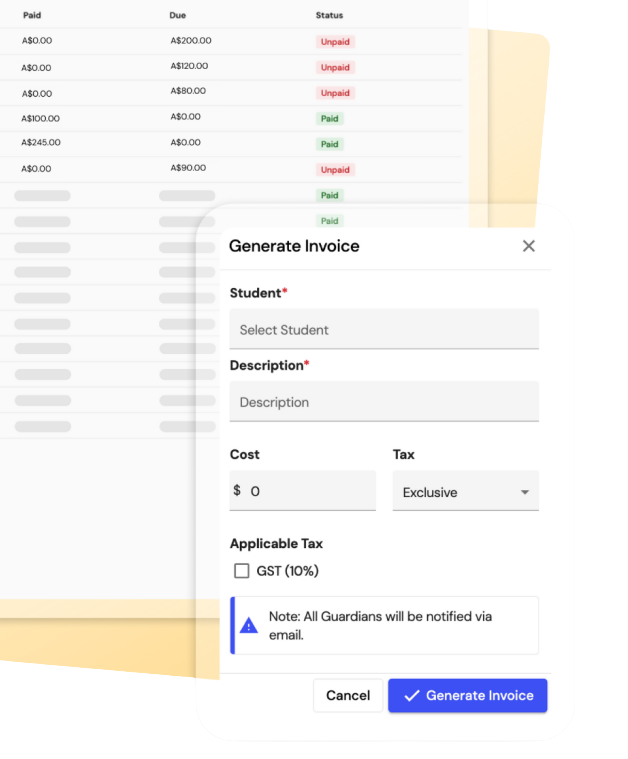
Set rental fees when loaning items and generate invoices directly to student accounts with one click.
Track payment status at a glance—see which rentals have unpaid invoices before allowing students to borrow another instrument. Clipboard pre-fills invoice details automatically to save you precious time on repetitive tasks.
Calendar
Staff can see their schedule through Clipboard on any device and access details such as the training or lesson plan. They can also sync their schedule to their calendar app such as Google, Apple or Outlook so they never forget when they’re working.

Notifications
Clipboard sends automatic SMS and/or email notifications to staff as soon as their schedule changes or to remind them to perform key tasks like marking attendance or completing their timesheet.

Sync to your personal calendar
Staff always know when they’re working with the ability to sync their Clipboard schedule in their personal calendar app such as Google, Apple or Outlook.

Bulk Email
Easily bulk email specific Groups or entire programs. Send from within Clipboard or copy-paste into your email app.


Get in touch to learn why schools of all sizes choose Clipboard
Book a demo